Home Office Designs That Boost Focus and Transform Daily Productivity
By Bivin Peter- January 15, 2026
AI Summary
3 key insights · 1 expert tip
Transform your home office into a productivity hub by avoiding common design mistakes that hinder focus and efficiency.
Key Insights:
What You'll Read Here:
Prioritise ergonomic furniture for comfort and health, ensuring proper desk and chair height.
Implement a three-layer lighting strategy: ambient, task, and accent lighting for optimal illumination.
Address acoustics with soft furnishings and panels to minimise distracting noise and echoes.
HOMELANE EXPERT TIPBy our design team
Opt for soft greens or blues to create a calming atmosphere that promotes concentration, with warm neutrals for a sophisticated backdrop.
In the modern Indian home, the home office has evolved from a makeshift corner to a vital command centre. Yet, many professionals find themselves battling fatigue, distraction, and aches without realising the culprit is often their environment. A Stanford study found employees can be 13% more productive when working from home, but this hinges on a space designed for success, not mere convenience. The difference between a draining daily grind and a fulfilling, efficient workflow often lies in avoiding a handful of common design pitfalls.
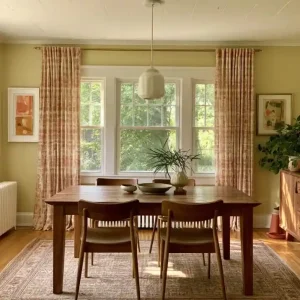
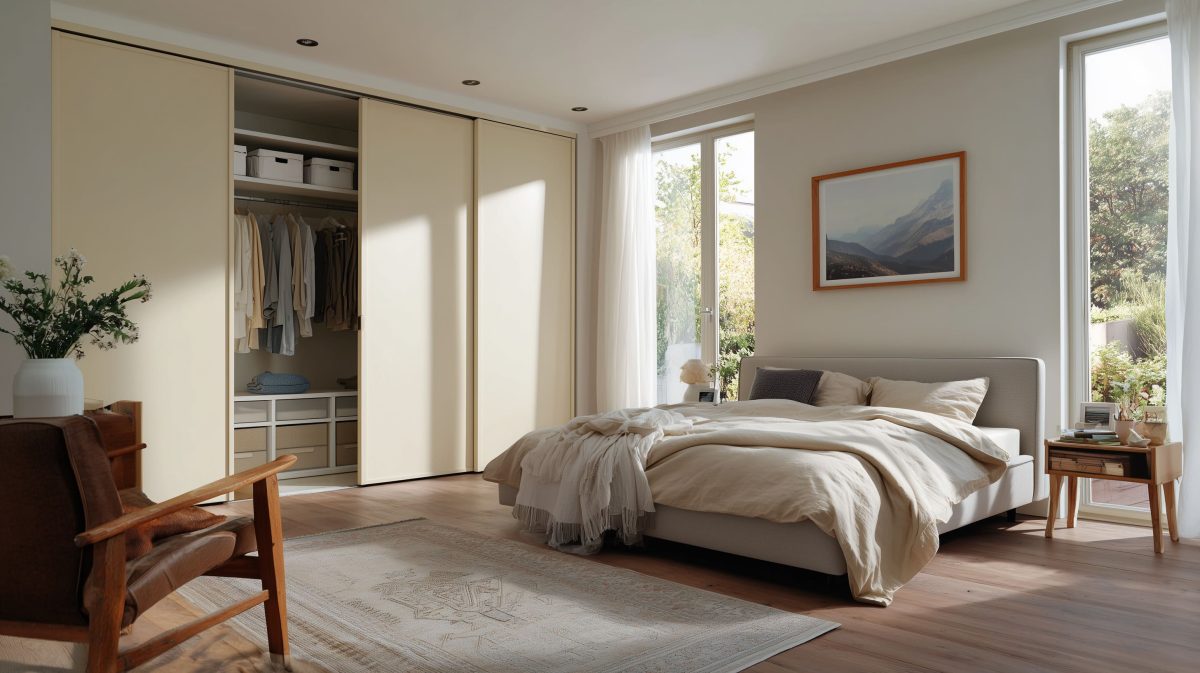
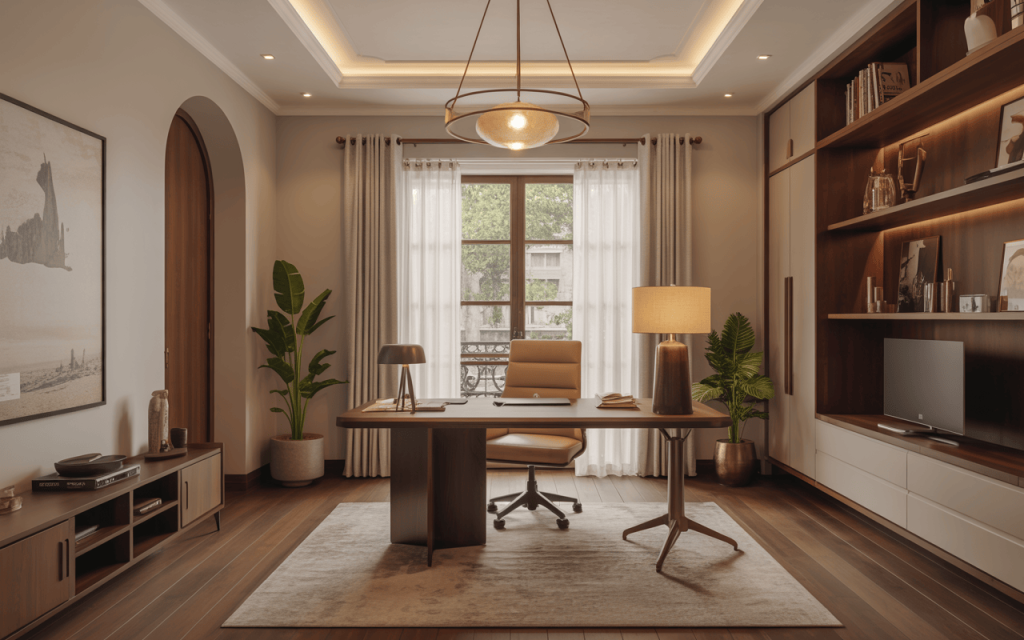
Modern home office design blending comfort, light and productivity style
From poor posture induced by the wrong furniture to the mental fog caused by bad lighting, these errors chip away at your potential. This guide unpacks the six most frequent home office design mistakes and provides practical, expert-backed strategies to fix them, transforming your workspace into a powerhouse of productivity.
1. Neglecting the Ergonomics of Your Throne and Desk
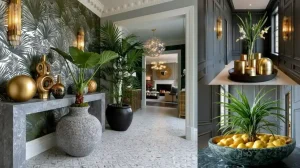
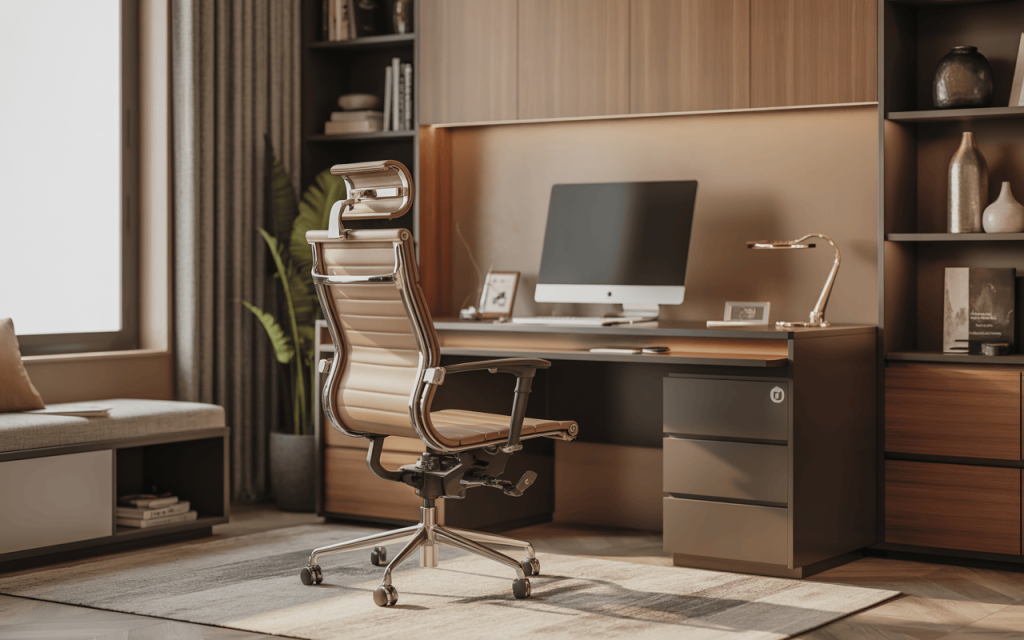
Elegant modern home office design that combines comfort and productivity
The most critical investment in any home office interior design is not a faster computer, but the furniture that supports your body. An uncomfortable chair or poorly sized desk creates a cascade of problems: back pain, neck strain, and repetitive stress injuries that distract you every minute.
The Mistake: Choosing a dining chair or a stiff, non-adjustable seat for long workdays. Similarly, a desk at the wrong height forces awkward postures.
The Expert Fix: Prioritise an ergonomic chair with adjustable lumbar support, seat height, and armrests. For the desk, ensure your elbows rest at a 90-degree angle when typing. Your monitor should be at eye level, about an arm’s length away, to prevent craning your neck. This foundational aspect of how to design a home office is non-negotiable for long-term health and focus.
2. Settling for Harsh or Inadequate Lighting
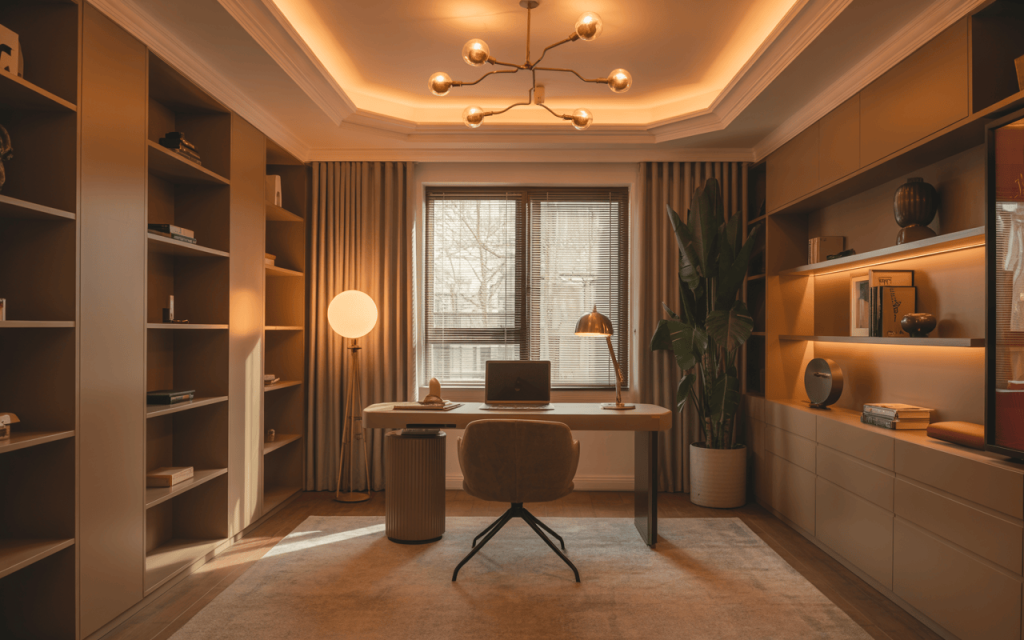
Elegant home office interior design blending warmth, light, and functionality
Lighting is the jewellery of a room, setting its mood and functionality. Relying solely on a single overhead light or working in a dim corner strains your eyes, causes headaches, and suppresses energy levels.
The Mistake: Using cold, sterile bulbs or creating harsh shadows with unbalanced light.
The Expert Fix: Embrace a three-layer lighting approach:
Ambient: General ceiling light for overall illumination.
Task: A dedicated desk lamp (wall-mounted or table) to brightly light your work surface without glare.
Accent: A floor lamp or sconce to add depth. Choose bulbs with a warm colour temperature (2700K-3000K) to create a calm, inviting atmosphere that’s easy on the eyes. For the best home office design ideas, always maximise natural light by positioning your desk near a window.
3. Allowing Cable Chaos to Reign
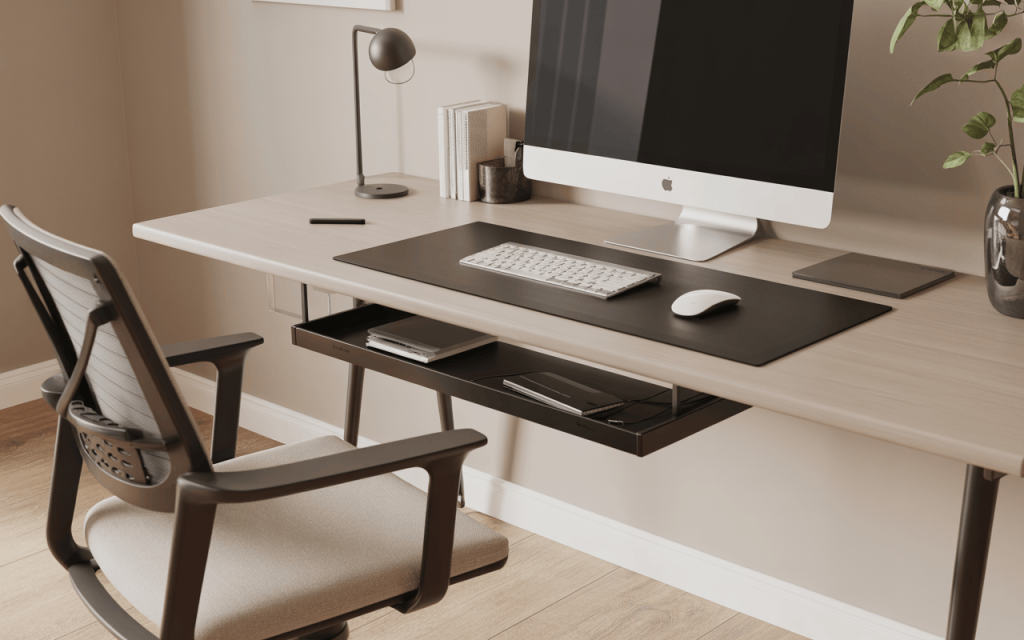
Modern office table design for home that boosts focus and style
A rat’s nest of cables under the desk is more than an eyesore; it’s a tripping hazard, a dust trap, and a mental burden that subconsciously signals disorder. Every time you fumble for a plug, your workflow is interrupted.
The Mistake: Leaving wires to dangle freely or coil into a tangled mess.
The Fix: A systematic approach to home office table design includes management from below. Use adhesive cable clips to route cords along desk legs, a cable management tray mounted underneath to hold power strips, and Velcro ties to bundle cables together. For a clean surface, opt for wireless peripherals where possible. A tidy space fosters a tidy mind.
4. Ignoring the Acoustics of Your Space
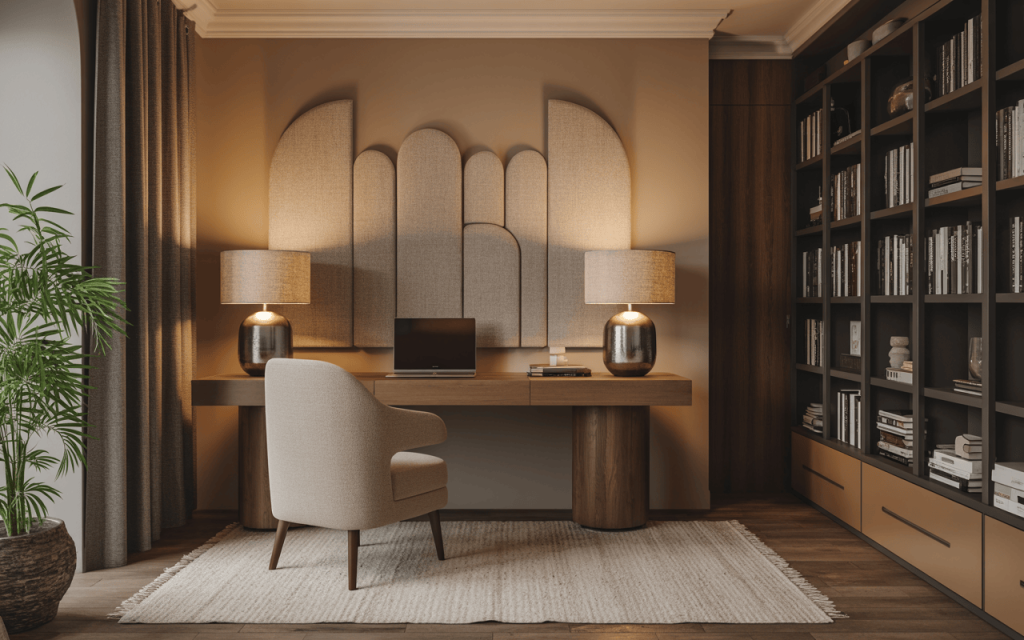
Warm home office room design blending comfort, books and modern elegance
Whether it’s street noise, household chatter, or the echo of your own voice on calls, uncontrolled sound is a major focus killer. Chronic noise exposure increases stress and makes deep concentration nearly impossible.
The Mistake: Assuming nothing can be done about noise in a small home office design.
Expert Insight: Differentiate between soundproofing (blocking noise from entering) and sound absorption (stopping echo within the room). You don’t need major construction. For home office room design that’s serene, start with soft furnishings: a thick rug, heavy curtains, and upholstered furniture. For walls, install affordable acoustic panels or even stylish fabric-covered art panels to soak up sound. A bookshelf filled with books also makes an excellent sound barrier.
5. Choosing a Demotivating or Distracting Colour Palette
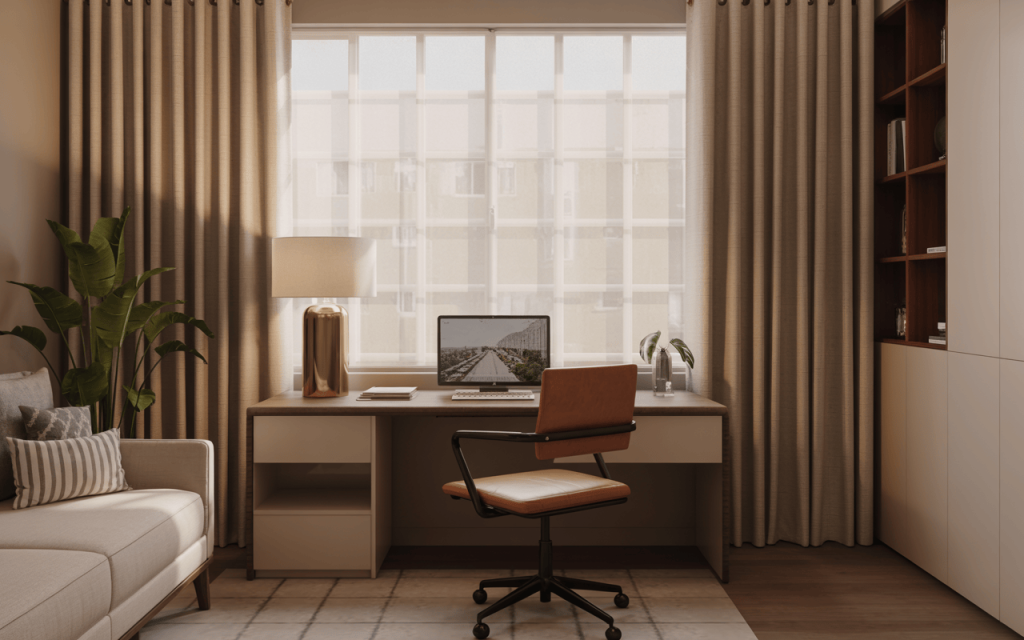
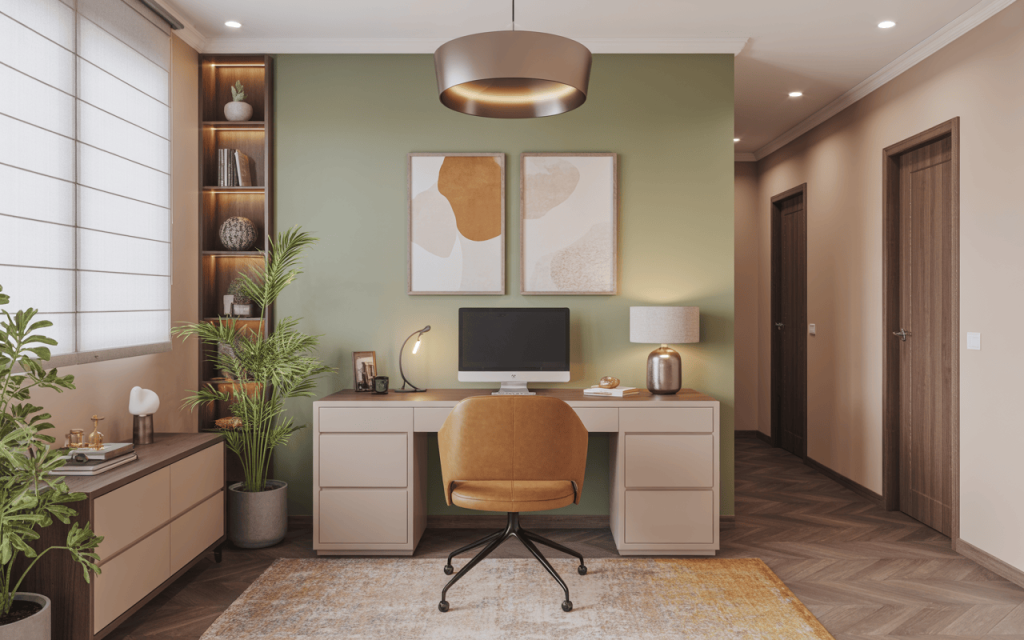
Fresh small home office design that inspires focus and creativity
Colour psychology is potent in a workspace. The wrong colours can evoke feelings of anxiety, sterility, or lethargy, directly impacting your mental stamina and creative output.
The Mistake: Painting the entire room a stark white (which can feel clinical) or an intense, stimulating red.
The Expert Fix: Research from the University of Munich suggests the colour green can stimulate ingenuity and mental acuity. For a balanced home office design, consider:
Soft Greens or Blues: Promote calm and concentration.
Warm Neutrals (Beige, Grey): Create a grounded, sophisticated backdrop.
Accent Walls: Use a bolder, uplifting colour like mustard yellow or teal on a single wall to define the space without overwhelming it.
6. Poor Spatial Planning and Layout
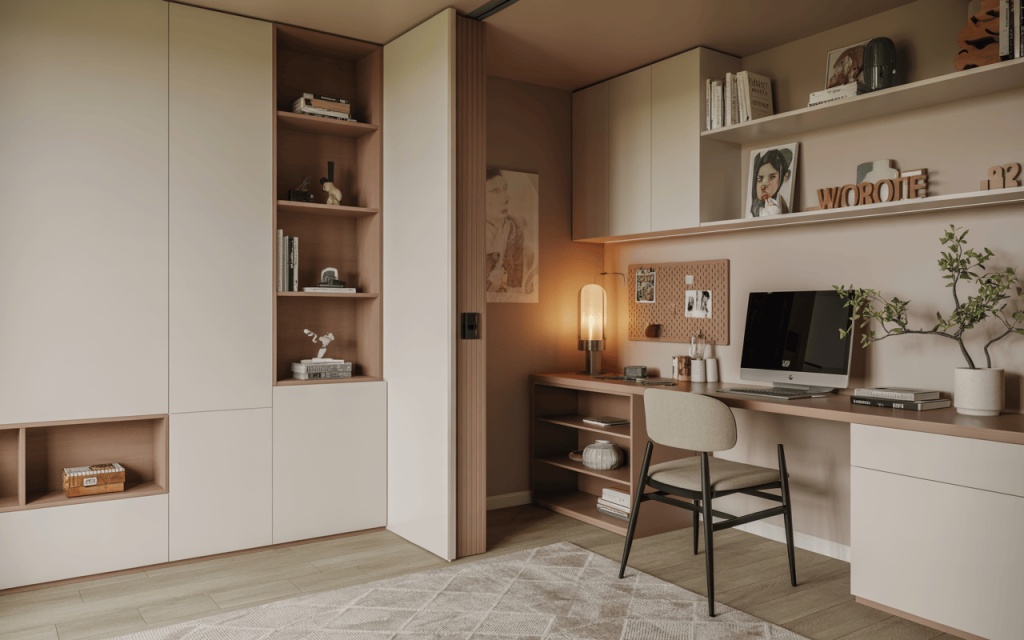
Beautiful small home office design ideas that blend warmth and simplicity
A cramped, awkwardly arranged office makes you feel boxed in and disrupts your physical workflow. This is especially critical in compact urban Indian apartments where space is at a premium.
The Mistake: Pushing a bulky desk into a cramped corner with no room for movement or storage.
The Fix: Thoughtful home office room design starts with the “work triangle.” Plan for clear pathways and ensure your chair can move freely. In a small home office design, utilise vertical space with floating shelves. If your office shares a room, use a tall bookshelf or a room divider to create a visual and psychological boundary from domestic life. The goal is a layout that feels open and intentional.
Dreaming of a Productive Home Office Designed Just for You?
Elegant modern home office design that creates a calm and focused space
A home office design that fuels your success doesn’t happen by accident—it requires intention, understanding, and smart planning. It’s about creating an environment that supports your body, sharpens your mind, and reflects your professional identity. From selecting the perfect office table design for home to mastering lighting and acoustics, every detail contributes to a seamless and productive workday.
At HomeLane, we help you build a home office that works as hard as you do. Our design experts combine ergonomic principles, intelligent space planning, and aesthetic sensibility to craft workspaces that eliminate distractions and inspire greatness. Let’s move beyond makeshift solutions and create a dedicated haven for your ambition and creativity.
FAQs On Home Office Design
1. What is the most common home office design mistake?
One of the most frequent and damaging mistakes is poor ergonomic furniture choices, particularly using an unsupportive chair. This leads directly to physical discomfort and pain, which is a constant distraction that severely undermines productivity and long-term health.
2. How can I improve my home office lighting?
Improve lighting by layering three types of light: ambient (general ceiling light), task (a focused desk lamp), and accent (for depth). Avoid harsh overhead lights alone and use bulbs with a warm colour temperature (2700K-3000K) to reduce eye strain. Always position your desk to maximise natural daylight.
3. What colours are best for productivity?
Soft, calming colours like greens and blues are excellent for concentration. Research indicates green, in particular, can stimulate creativity and mental acuity. Warm neutrals like beige or grey provide a sophisticated, focused backdrop, while small accents of uplifting colours like yellow can add energy.
4. How do I manage cables in a home office?
Manage cables by using a combination of tools: cable trays mounted under the desk to hold power strips, adhesive clips to route cords along desk legs, and Velcro ties to bundle wires together. For the cleanest look, opt for wireless keyboards, mice, and chargers where possible.










 EXPLORE MORE